• What Is A Croup Tent

    A croup tent helps children with breathing problems like croup. It provides warm, moist air and extra oxygen. The tent is clear so doctors and parents can watch the child easily. This moist air reduces swelling in the throat and makes breathing easier. The tent creates a calm space, but staff must watch closely. Too much carbon dioxide can build up inside. Today, doctors use medicine delivered by nebulizers more often. Still, croup tents can help in certain cases as extra support. They must be used safely and under medical care.

  • What Is A Canopy Tent Called

    A canopy tent is also called an outdoor canopy or shade tent. It keeps you safe from sun and rain during events. People often call it a pop-up canopy or portable gazebo because it sets up fast. Bigger versions may be known as marquees. Some use the term festival tent for certain events. Knowing these names helps you pick the right tent. Different types fit different needs. Find the one that works best for you.

  • What Is A Bivy Tent

    A bivy tent is a small, light shelter. It combines a bivy sack’s ease with a tent’s frame. It weighs about 1.5 to 3 pounds. This makes it great for ultralight backpackers. Mesh panels let air flow inside. Strong poles hold it up firmly. A bivy tent gives more room than a bivy sack. You can sit up and change clothes inside. It offers better comfort and protection outdoors. Many hikers prefer it for quick, simple shelter.

  • What Is A Bell Tent

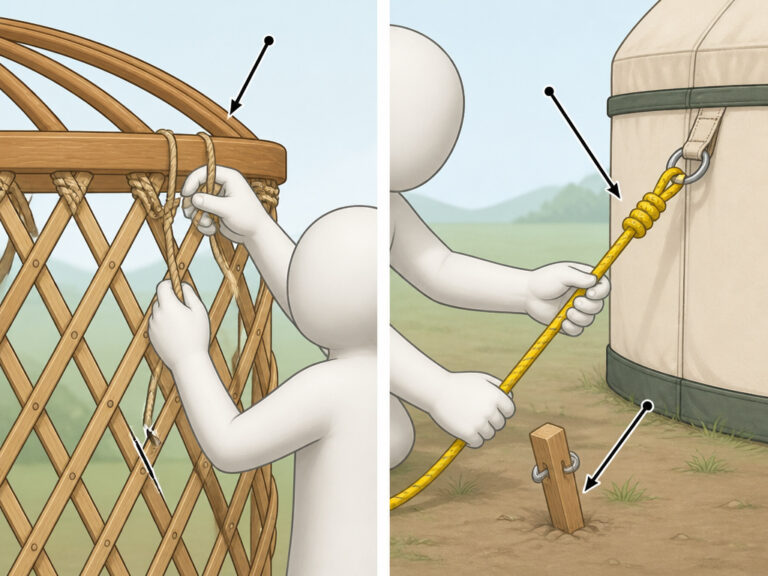
    A bell tent is a large, cone-shaped shelter made for camping and glamping. It uses strong cotton canvas that keeps water out. A tall pole stands in the center, giving plenty of space inside to stand and move around. The round floor fits many people comfortably. Bell tents protect you from rain and wind during outdoor events. Clean it often and store it well to make it last for many years. These tents have been popular for a long time because they combine space, comfort, and weather protection.

  • What Fabric Are Tents Made Of

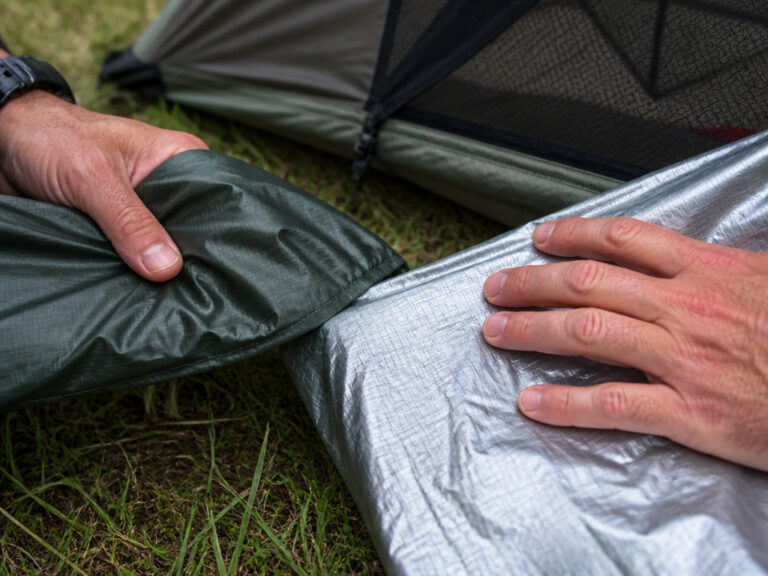
    Tents use different fabrics like nylon, polyester, canvas, and special blends. Nylon feels light and strong. It works well for hikers. Polyester mixes strength and water resistance. Canvas is thick and lets air pass but needs waterproof spray. Polycotton dries faster and feels soft like cotton. Some tents use tough materials like Cuben fiber and PVC for harsh weather. Each fabric has its own good points. Knowing these helps you pick the best tent. Read on to learn about each type.

  • What Does Tent With Foil Mean

    Tenting with foil means covering food with aluminum foil shaped like a small roof. This method keeps food moist and soft by trapping steam inside. It also stops direct heat from burning the food. Use heavy-duty foil, cut a piece bigger than your dish, and fold the edges to make a strong seam. Lift the foil’s center above the food, then tuck the edges under the dish. This simple trick helps food cook evenly and stay juicy. Many chefs use foil tents to improve taste and texture. Try it to keep your meals tender and delicious.

  • What Does Special Power Up Do To Tenta Missiles

    Special Power Up makes Tenta Missiles much stronger. It increases the targeting reticle size by about 67%. This bigger reticle helps you lock onto more enemies easily. You can hit targets more often because you aim better. Missed shots drop by around 30%. The larger targeting area also spreads ink and splash damage more. This upgrade gives you better control and accuracy in fights. Use it to handle threats faster and smarter. Tenta Missiles become a powerful tool with this boost.

  • What Does Pitching A Tent Mean

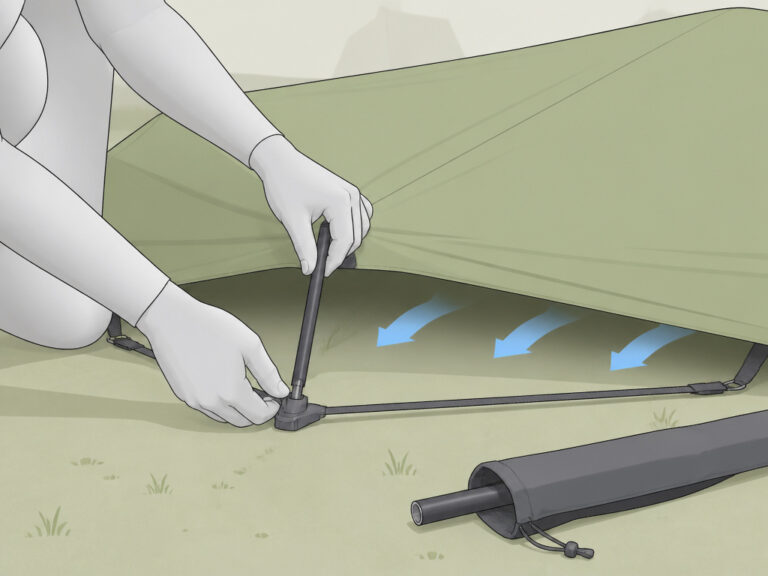
    “Pitching a tent” means setting up a camping tent. It also is a slang phrase for a male erection. To pitch a tent while camping, find flat ground. Clear away sticks and stones first. Put down a ground cloth to keep moisture out. Assemble the poles and attach the tent fabric. Secure the tent with stakes so it stays in place. Knowing both meanings helps understand language better. It also teaches useful camping skills. This phrase shows how words can have different meanings.

  • What Does A 3 Season Tent Mean

    A 3-season tent works well for spring, summer, and early fall camping. It feels light and easy to carry on hikes. Makers use polyester fabric and mesh panels to keep bugs out but still let air flow. These tents protect from light rain and mild wind. They do not hold up in heavy snow or strong winter storms. You get good ventilation, weather protection, and low weight all in one tent. Perfect for most camping trips without harsh weather.

  • What Do We Mean By Tent Pegs

    Tent pegs hold tents firmly to the ground. They stop tents from moving during wind or rain. Steel pegs are strong and work well in hard soil. Aluminum pegs are light and good for soft soil. Plastic pegs suit sandy or loose dirt. Put pegs in at a 45-degree angle to keep them tight. Different shapes fit different grounds. Y-shaped pegs grip loose soil better. Screw pegs dig deep into soft earth. New peg designs help campers set up faster. Good pegs make camping safer and easier. Many campers trust quality pegs for a solid tent.

  • What Did The Tent Of Meeting Look Like

    The Tent of Meeting was a large rectangle. It measured 30 cubits long, 10 cubits wide, and 10 cubits high. Twenty gold-plated boards of acacia wood built its walls. The back boards had a special trapezoid shape. Inside, the tent had two parts. One part was the Holy Place where priests worked. The other part was the Most Holy Place. The Ark of the Covenant stayed there. This tent showed God’s presence with the Israelites. It was very important for their worship and rituals.

  • What Did The Holy Tent Look Like

    The Holy Tent, or Tabernacle, was a special place for worship. It stood about 15 feet tall and was made of acacia wood frames. The tent measured about 45 feet long. Inside, there were two main parts: the Holy Place and the Holy of Holies. The walls were covered with fine linen and rich leather. Important items were inside, like the Ark of the Covenant and the Golden Lampstand. This tent showed God’s presence with the Israelites. It was not just a building but a symbol of faith and hope. People used it to pray and feel close to God.