How To Roll Up A Tent
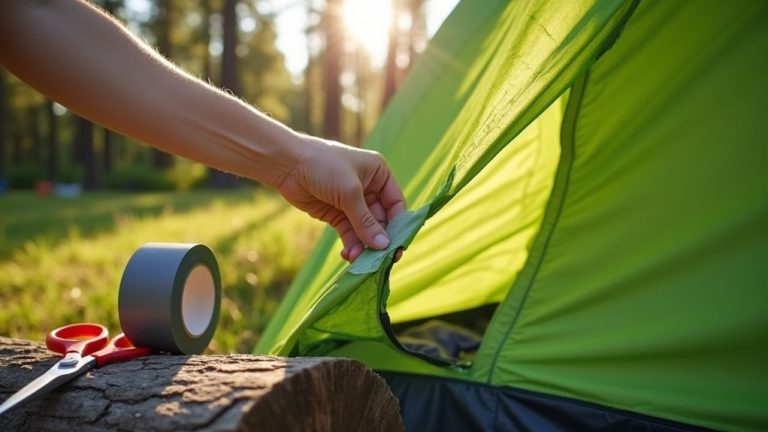
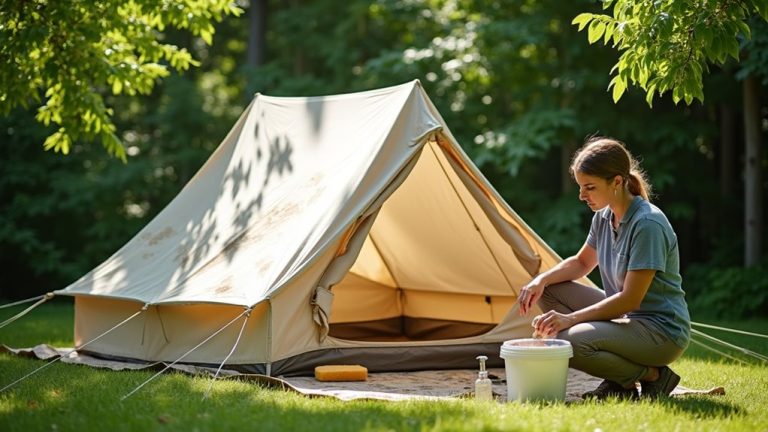
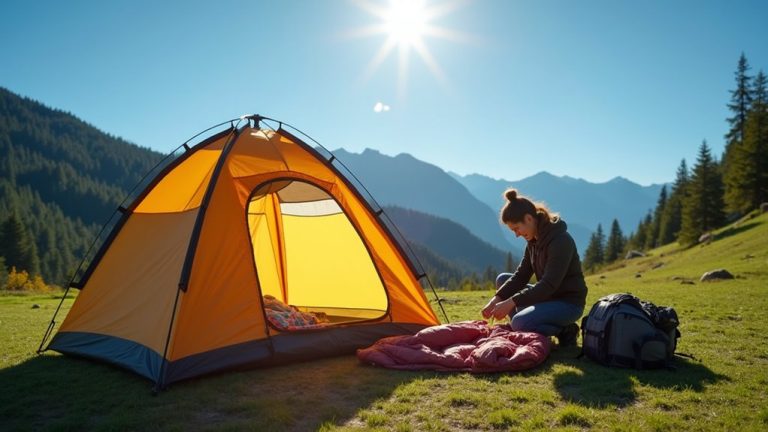
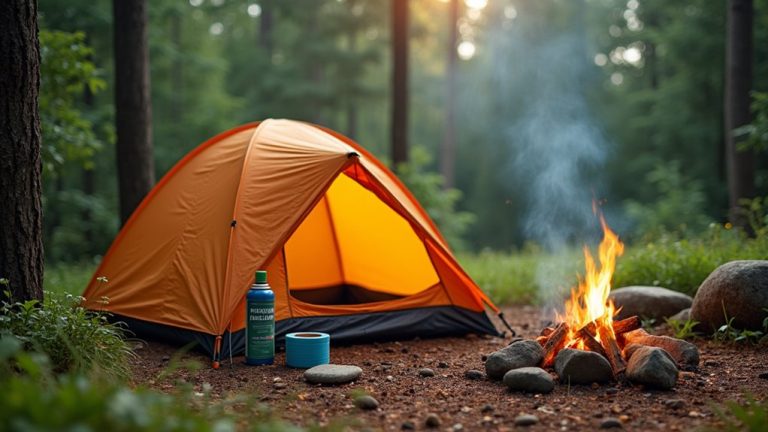
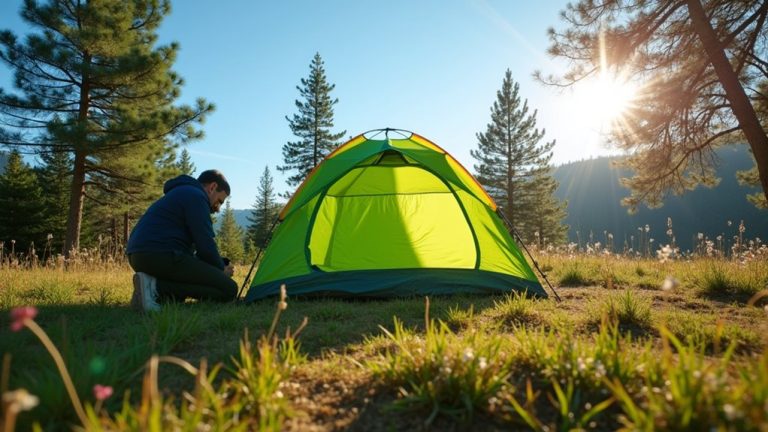
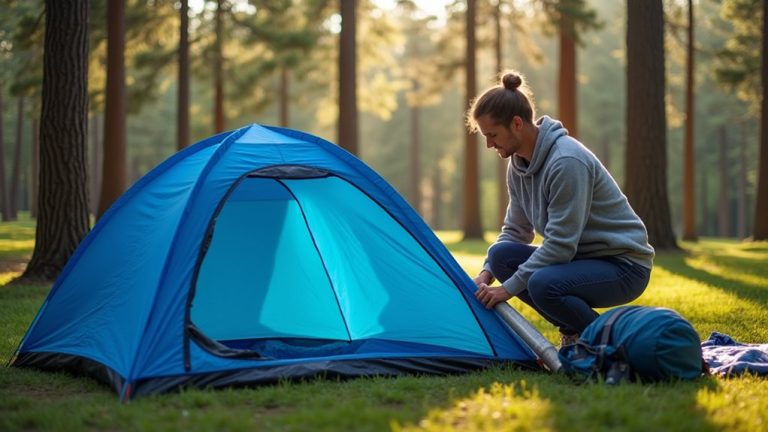
Roll up a tent by first removing all gear. Make sure the fabric is clean and dry. Fold both sides toward the center. Tuck flaps neatly to keep a compact shape. Roll the tent from the top, pressing out air as you go. Place the rainfly on top of the tent body before rolling. Have a partner hold poles and stakes. Apply even pressure while rolling for a tight pack. Store the tent in a dry place to keep it in good shape. Proper rolling helps your tent last longer and stay ready for camping.