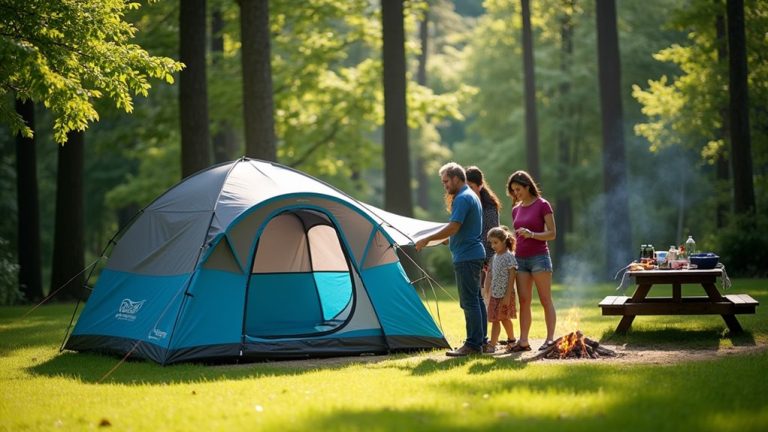
How To Set Up An Ozark Trail Tent
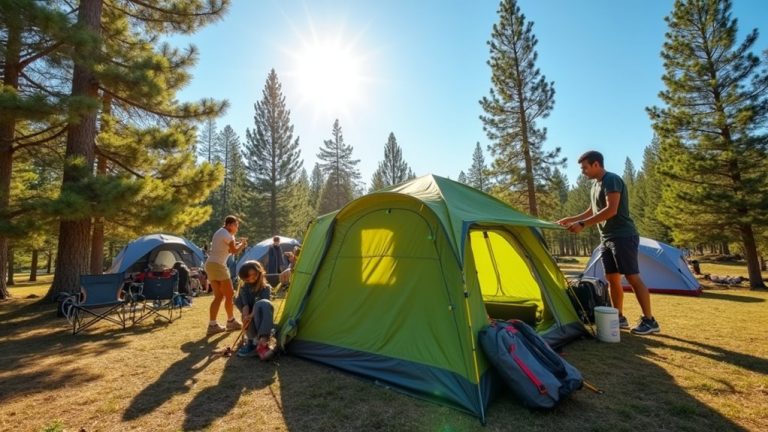
Set up your Ozark Trail tent on flat ground. Lay a footprint under it to protect the bottom. Find the poles and snap them together. Push the main pole through the center sleeve. Lift the poles to make arches. Clip the tent’s hooks to the poles. Stake the tent corners at a 45-degree angle to keep it steady. Tie the guy lines for extra support. Put the rainfly on last. Make sure it is tight and secure. These steps help you build a strong and safe shelter.